Keyrunner app icon

Your whole Mac, a keystroke away

A keyboard launcher for people who would rather type than click. Press ⌥ Space, type a few letters, press Return: apps, files, maths, emoji, your clipboard and shell commands, all from one box.

Get Keyrunner macOS 15 or later · Apple silicon
The Keyrunner panel over a blue wallpaper. The search reads “sa” and lists Safari, highlighted, then Siri AI, Shapr3D 2, Screen Sharing, System Information, WhatsApp, Messages and Migration Assistant.

Shown over macOS’s Mac Blue wallpaper. The app list is whatever was installed on the Mac used for the screenshots.

One box, a prefix for each job

Just type to find an app such as Screenshot. Start with a symbol to switch what Keyrunner looks for: = maths, . browse folders, ! search files, : emoji, $ clipboard, @ the web, > a shell command and , a System Settings pane such as Displays or Wi‑Fi.

Forget one? Type / to see them all, and Tab to go into the one you want.
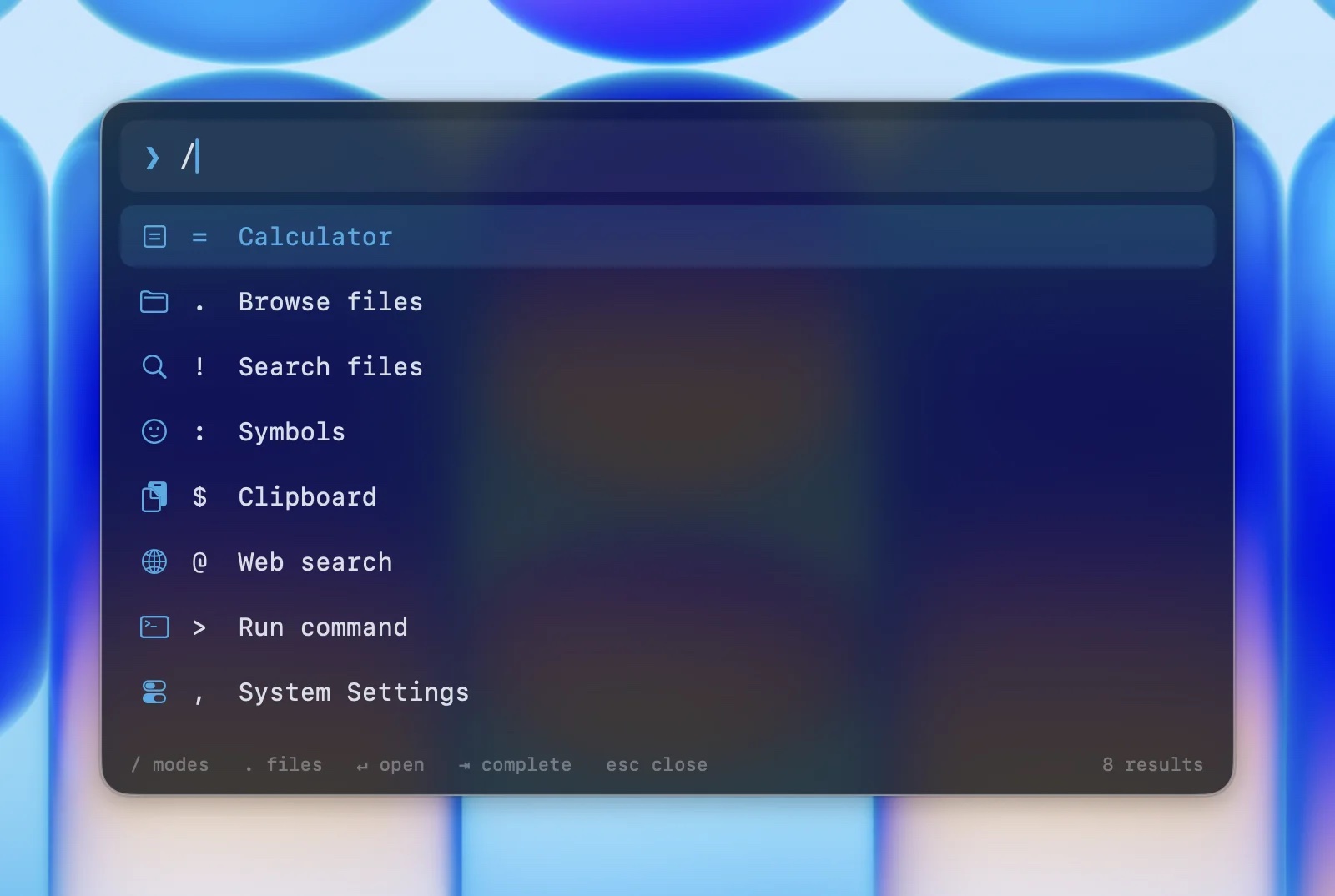
The modes list after typing a slash: Calculator, Browse files, Search files, Symbols, Clipboard, Web search, Run command and System Settings, each with its prefix.

Emoji and symbols by name

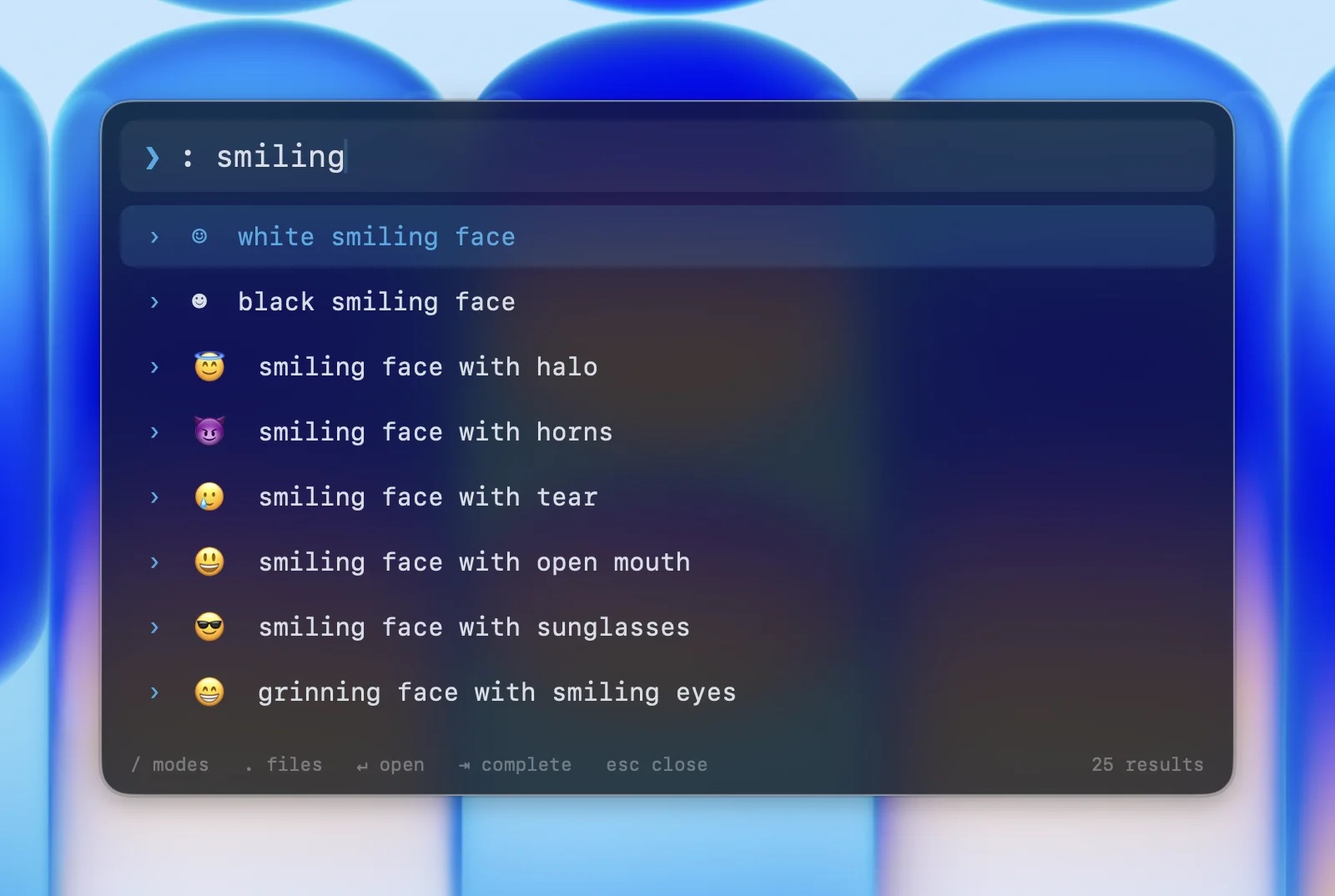
Type : and a word such as “smiling” or “arrow”. Press Return and the character is copied, ready for ⌘V.

Clipboard items from $ are copied the same way. Once you allow Accessibility, Keyrunner also pastes them straight into the app you were typing in.

Typing “: smiling” lists white smiling face, black smiling face, and emoji such as smiling face with halo, with horns, with tear and with sunglasses.

Coloured by your wallpaper

The background, text and highlight colour come from your desktop picture, Aerials included, so Keyrunner always fits your desk. If another app draws your wallpaper, choose an image to take the colours from.

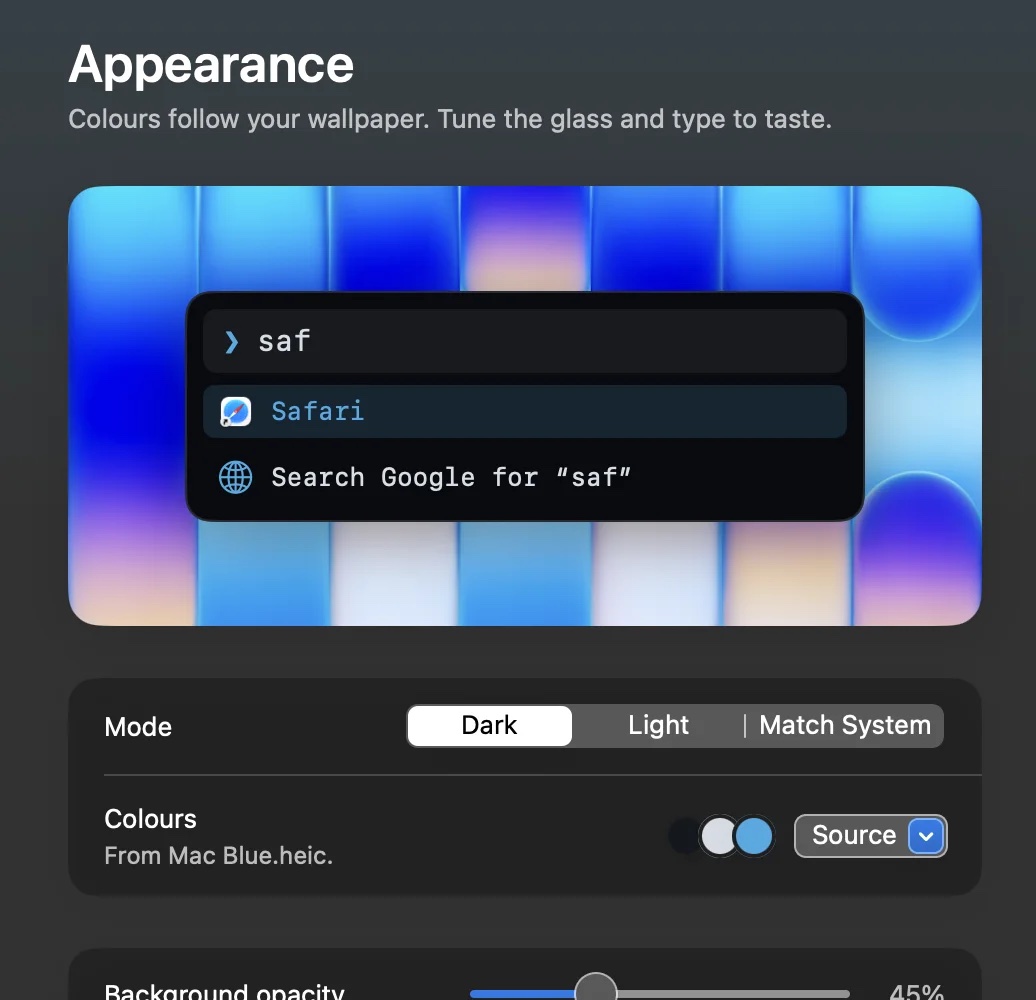
Pick dark, light or match your Mac, then set how see-through the glass is and how big the text is, with a live preview.

Settings, Appearance pane: a small preview of the launcher over the wallpaper, Mode set to Dark, colours taken from Mac Blue, and background opacity at 45%.

Asks only for what it needs

Settings → Permissions shows what Keyrunner can reach and why. Your files are there to browse, search and preview straight away. macOS asks about Desktop, Documents and Downloads the first time you open them.

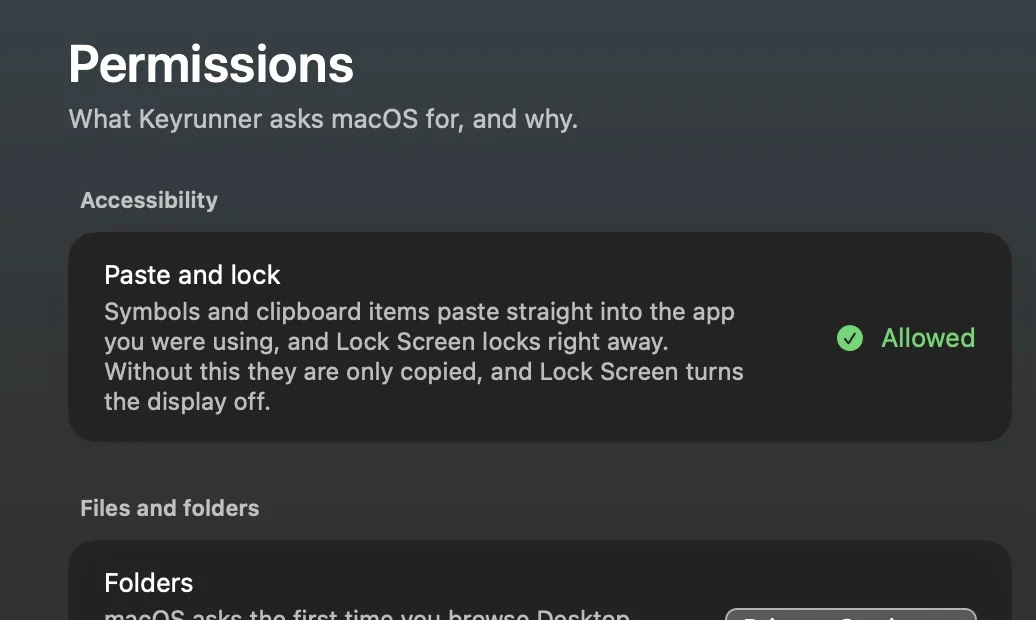
Accessibility is optional. It lets Keyrunner paste for you and lock the screen right away. Without it, Keyrunner copies and you paste with ⌘V.

Settings, Permissions pane: Accessibility, marked Allowed, which lets Keyrunner paste and lock the screen; then Folders, with a Privacy Settings button.

Made for the keyboard

Files without Finder
Browse folders from your home with ., or find a file by name with !. A Quick Look preview opens beside the panel.
Maths as you type
Type 1299 * 1.13 and the answer, 1467.87, is the first result. Return copies it.
Clipboard history
Text you copied since Keyrunner started, kept in memory. Press Tab to lock an item and keep it after you quit. Copies from password managers are skipped.
Commands and power
Sleep, lock the screen, restart, shut down or log out, with macOS’s own confirmation for the last three. Shell commands run in a new Terminal window or quietly in the background.
Web search
Every plain search ends with a web search row, and @ goes straight to it. Google, DuckDuckGo, Kagi or Bing.
Your shortcut
⌥ Space by default, or any combination you like. ⌃J and ⌃K move too, and it can open at login.

Get Keyrunner

Get it on Ko-fi and the download comes from this page, signed and notarized by Apple. It lives in your menu bar, and ⌥ Space brings it up.


Get Keyrunner
System
macOS 15 Sequoia or later
Processor
Apple silicon
Version
0.2
Permissions
Accessibility, optional, for pasting; Automation, asked the first time you use Terminal or the restart, shut down and log out commands.

Questions

Does Keyrunner send what I type anywhere?

No. Nothing leaves your Mac until you press Return on a web search, and then it goes to that search engine. Clipboard history stays in memory and is gone when you quit, except items you lock, which are saved on your Mac.

Why does it ask for Accessibility?

Keyrunner can use it to paste emoji and clipboard items into the app you were using. Without it, Keyrunner copies them instead and you paste with ⌘V. Opening apps, files and searches works either way.

My wallpaper comes from another app. Where do the colours come from?

Keyrunner can’t read pictures drawn by apps such as Backdrop. Choose any image in Settings → Appearance and the colours come from that instead.

How much does Keyrunner cost?

Pay what you like on Ko-fi, with no minimum. Every feature is included.

Is this related to Omarchy?

It is inspired by walker, the launcher in Omarchy, and uses most of the same prefixes. Keyrunner itself is a native Mac app.