CathodeRay app icon

Your shell, behind warm phosphor glass

A free Mac terminal for anyone who misses the glow. CathodeRay runs your own shell inside a CRT monitor, with scanlines, bloom and a curved screen.

Get CathodeRay Free · macOS 14 or later · Apple silicon
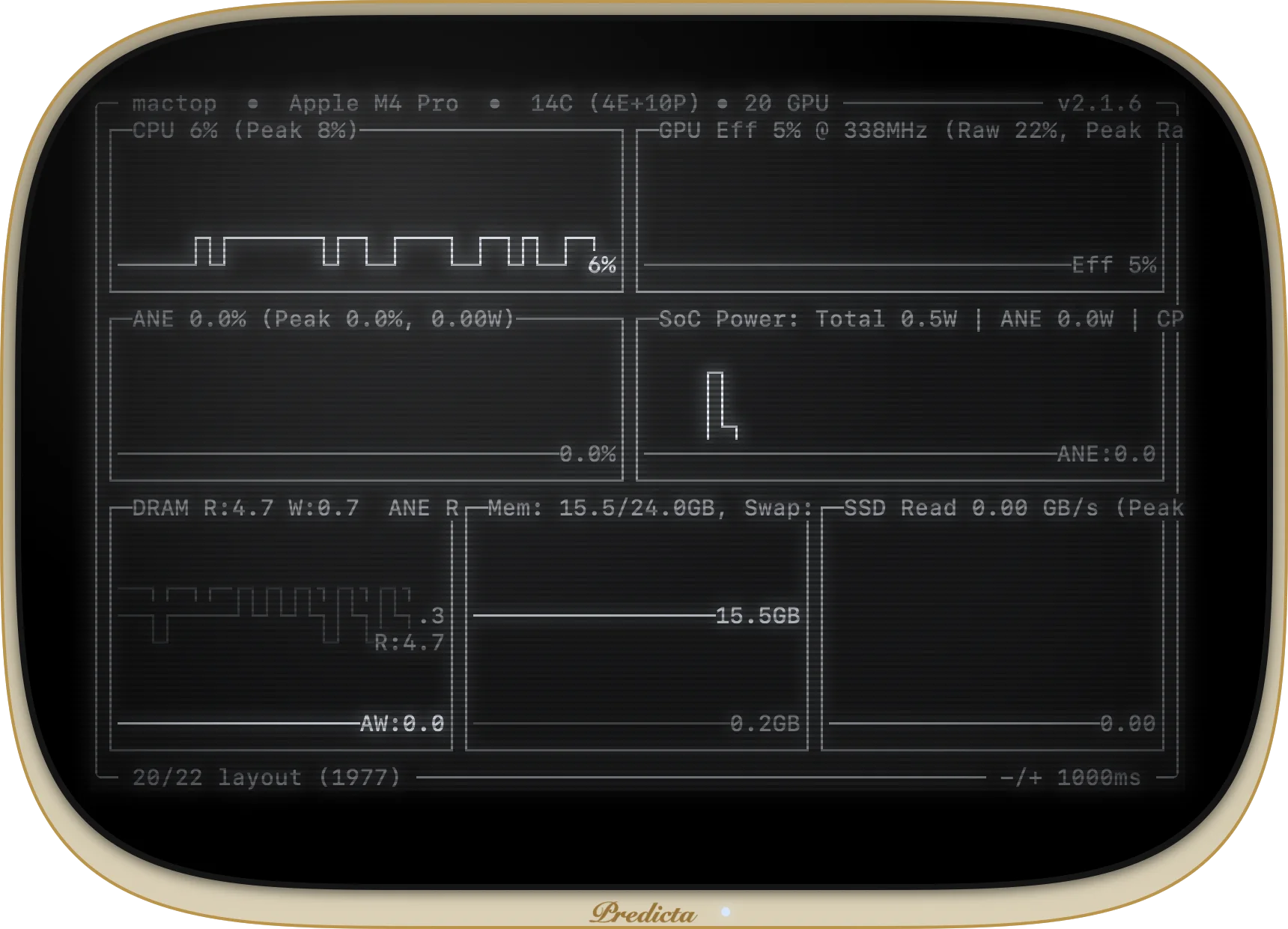
CathodeRay in the Predicta case: a cream swivel-TV style monitor with a brass rim, showing mactop, a system monitor, in white phosphor with scanlines.

Shown running mactop, a free system monitor, on the Predicta tube.

A real terminal, not a screensaver

Each window opens your own login shell, with your prompt, your aliases and your tools. Type, copy and paste as you would in Terminal.

Full-screen programs such as vim, htop and less work too, in 256 colours or tinted to the phosphor you pick.
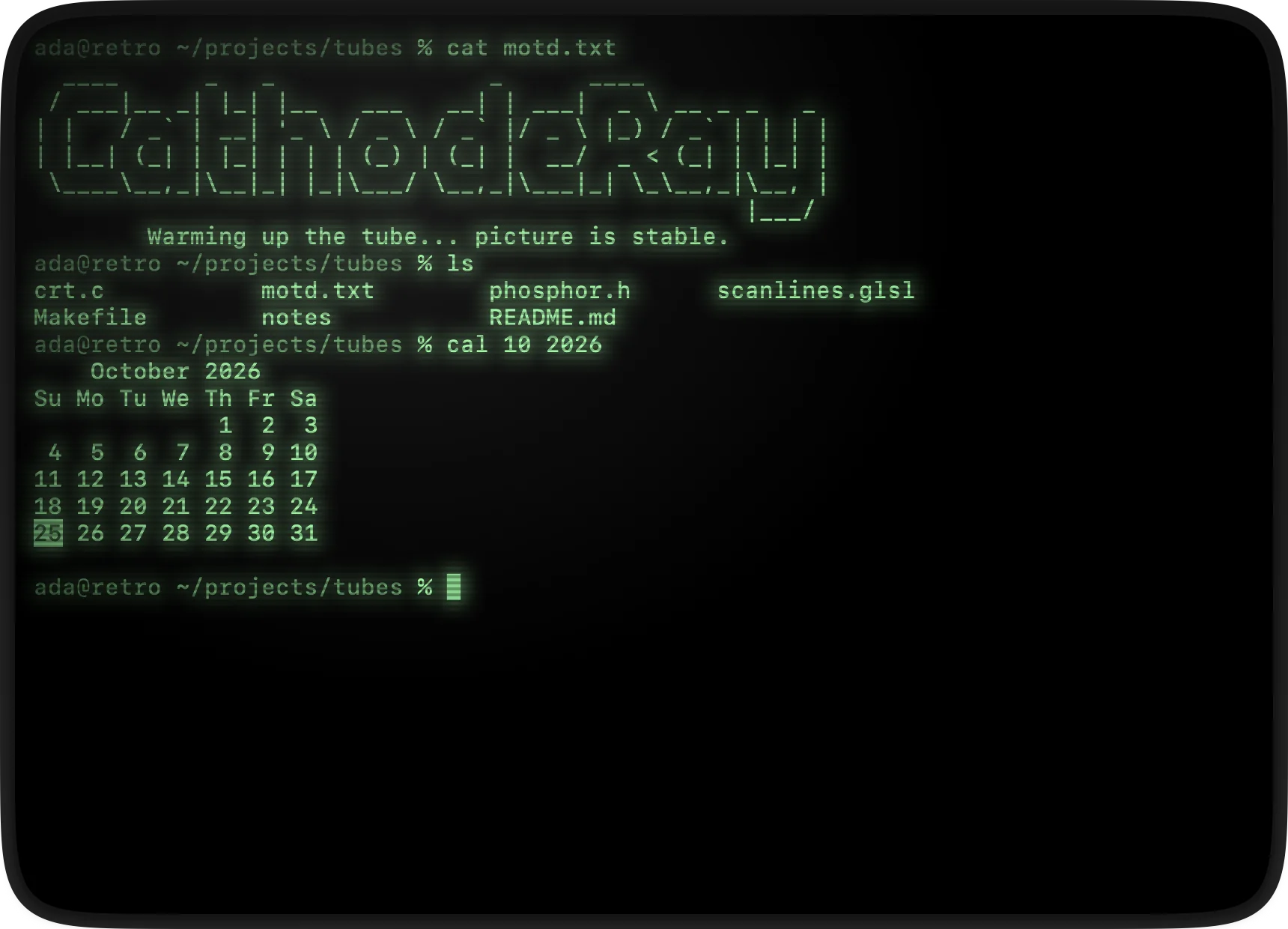
A shell session in green phosphor on the bare tube: a banner, a directory listing and a calendar, all sample text.

Seven monitors to choose from

Pick a case from the Frame menu: Predicta, Apple ][, IBM 5151, DEC VT100, Zenith Brown, a bare tube, or the screen with no case at all.

Each one switches to the phosphor that monitor shipped with. Drag the case to move the window, and its bottom-right corner to resize it.

Three CathodeRay windows side by side: the cream Apple ][ with green text, the grey IBM 5151 with green text, and the brown Zenith with amber text.

Green, amber or white

Choose from five phosphors in the View menu: Green, IBM Green, Amber, White, or full Color. ⌘1 to ⌘5 switch between them.

Dim colours are brightened where they would be hard to read, so text stays clear in every tint.

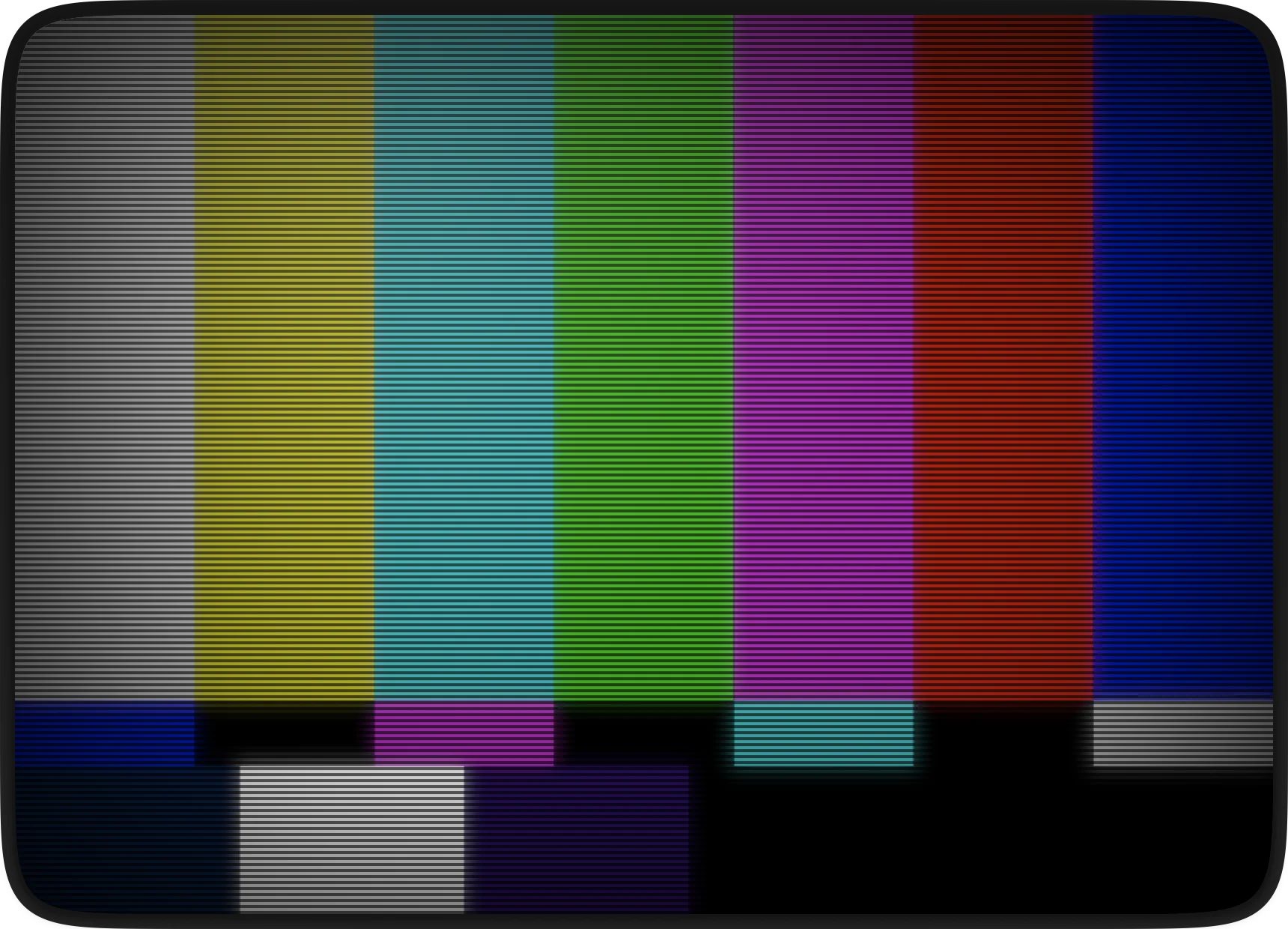
A colour test pattern on the tube in Color mode, with its own colours kept.

Every effect has a switch

Scanlines, glow, vignette and a glass reflection are on to start. Add grain, a rolling bar, flicker or sync glitches from View ▸ Effects, or turn any of them off.

Opening a window warms the tube up, and closing it switches it off with a fading dot.

The Apple ][ case with every effect on: scanlines, glow, grain, a rolling bar, flicker and sync glitches.

Drop a picture on the screen

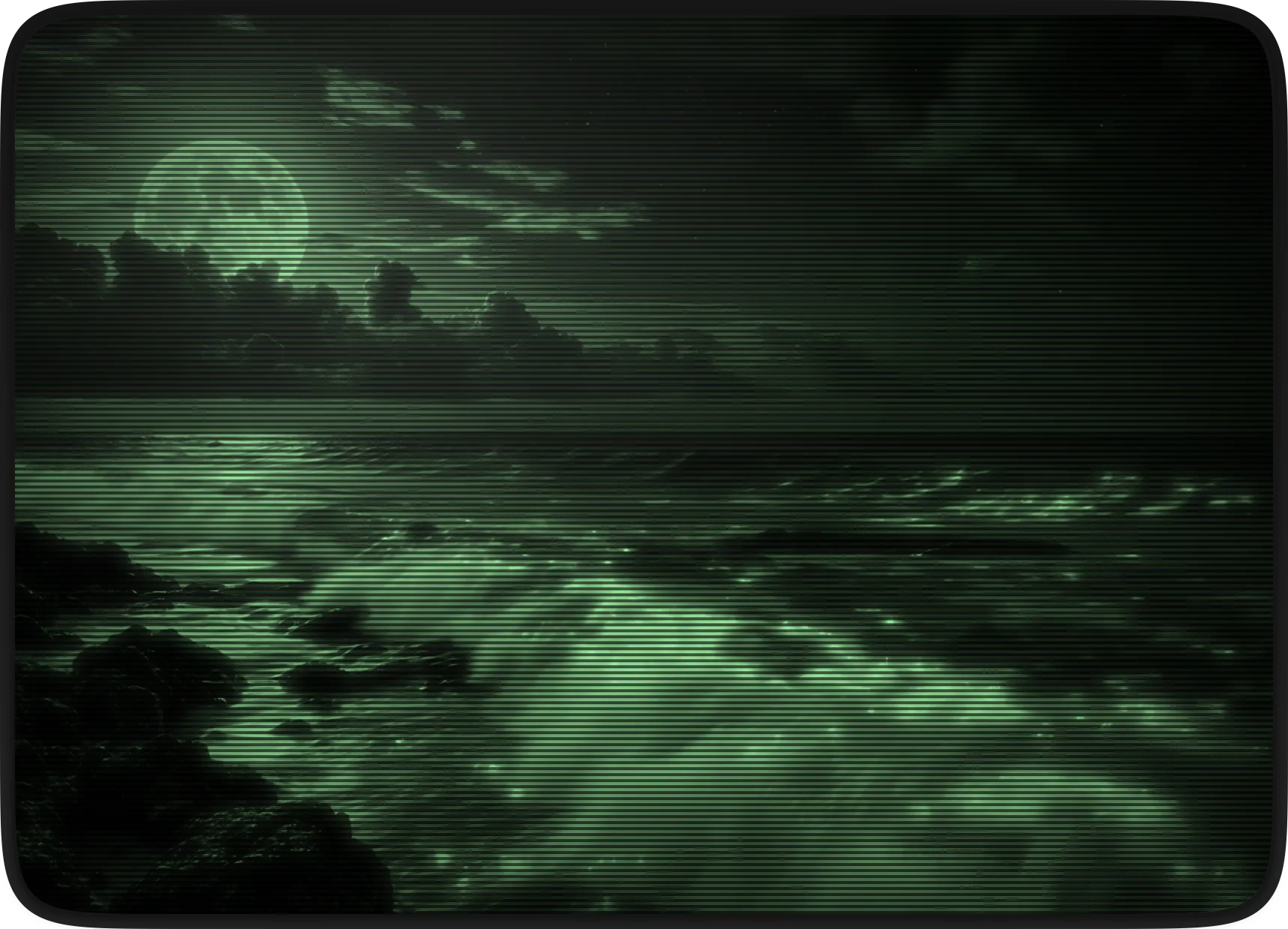
Drag an image or a video file onto the glass and it plays on the tube, scanlines and all. Videos loop until you stop them.

Press ⇧⌘T, or click ◀ TERM, to go back to your shell. It keeps running the whole time.

A night seascape with a full moon over breaking waves, shown on the bare tube in green phosphor with scanlines.

Made for the Mac

As many monitors as you like
⌘N opens another window. Each one runs its own shell.
Text at any size
⌘= and ⌘− change the size from 9 to 36 points, and ⌘0 puts it back.
Keep on top
Float a small monitor over your other windows while you work.
See the desktop around it
With Transparent Window on, only the case shows, not a rectangle.
Picks up where you left it
Your case, phosphor, effects and window size are there next time.
No account
Free to download and use. Nothing to sign in to.

Get CathodeRay

Free. Get it on Ko-fi and the download comes from that page, signed and notarized by Apple. Open the disk image and drag CathodeRay into your Applications folder.

Get CathodeRay
System
macOS 14 Sonoma or later
Processor
Apple silicon (M1 or later)
Shell
Your login shell, such as zsh or bash
Price
Free

Questions

Can I use it as my everyday terminal?

Yes. It runs the same login shell as Terminal, with the same settings and tools. It has no tabs or split panes, so open another window with ⌘N when you need one.

Will the effects slow my Mac down?

The moving effects update 14 times a second, like old film, rather than at your display’s full rate. If you want less work for your Mac, switch effects off in View ▸ Effects or turn off Transparent Window.

How do I go back to the terminal after dropping a picture?

Press ⇧⌘T, press Escape, or click ◀ TERM in the controls at the bottom of the screen. Your shell keeps running while a picture or video is showing.

Is it really free?

Yes. There is no account, no trial and nothing to buy.

Are the monitors official?

No. The cases are tributes to monitors from the 1950s to the 1980s, with period-style lettering rather than the real logos. CathodeRay is not connected with Philco, Apple, IBM, DEC or Zenith.