GlowTAPE app icon

Your old visualizers, glowing again

For anyone who used to leave the visualizer running all night. GlowTAPE turns whatever your Mac is playing into scopes, spectrums, tunnels and starfields, with bloom, fog and light the old ones never had.

Download for Mac macOS 14.4 or later · Apple silicon
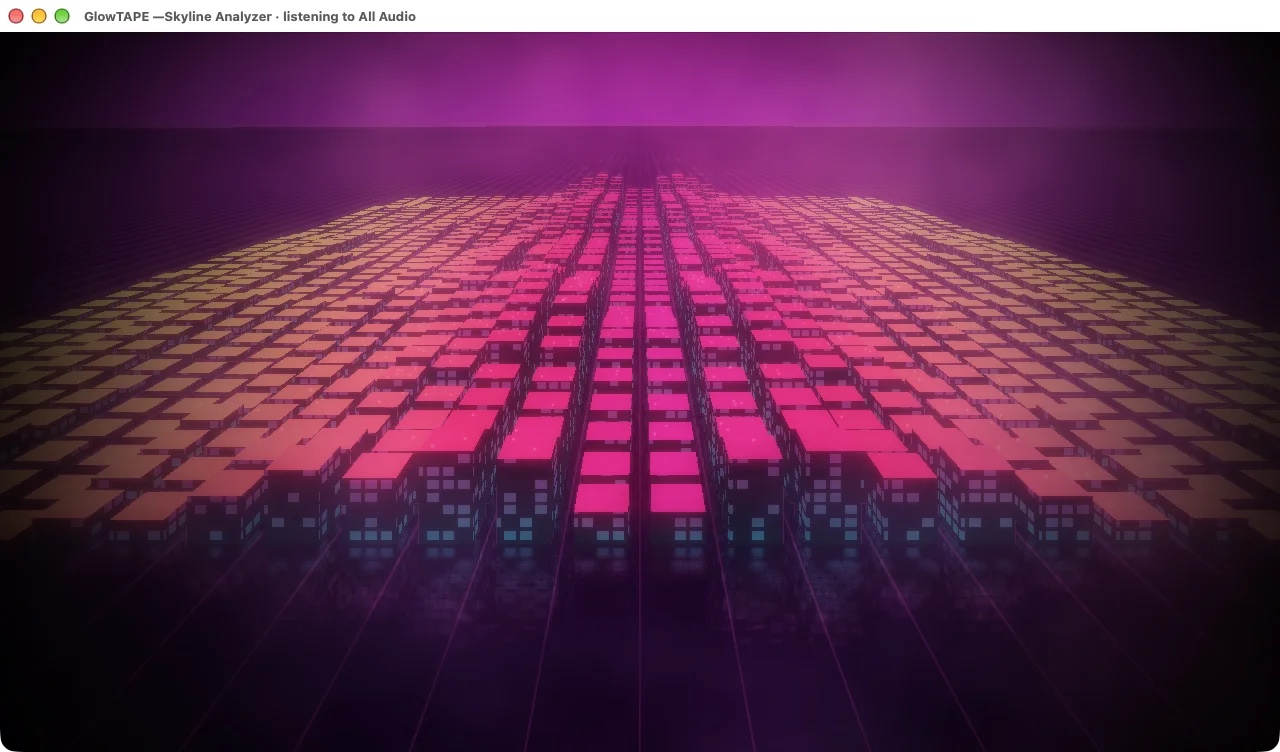
The GlowTAPE window showing Skyline Analyzer: a neon city of pink spectrum bars stretching into purple fog.

Skyline Analyzer, captured from the app while music was playing.

Watch the preview

The App Store preview, recorded from GlowTAPE.

New: a flock, a magnet and a mirror ball

Murmuration is a big flock of glowing paper airplanes that rolls and twists across the screen. Each beat twists the flock, and now and then a group breaks away, roams on its own, then races back to rejoin it.

In Magnetic Cloud, ribbons of light whip around three dark glass orbs, one each for the bass, mids and treble. Disco Ball spins a mirrored ball in front of rainbow rays, and each beat flashes a scatter of its tiles.
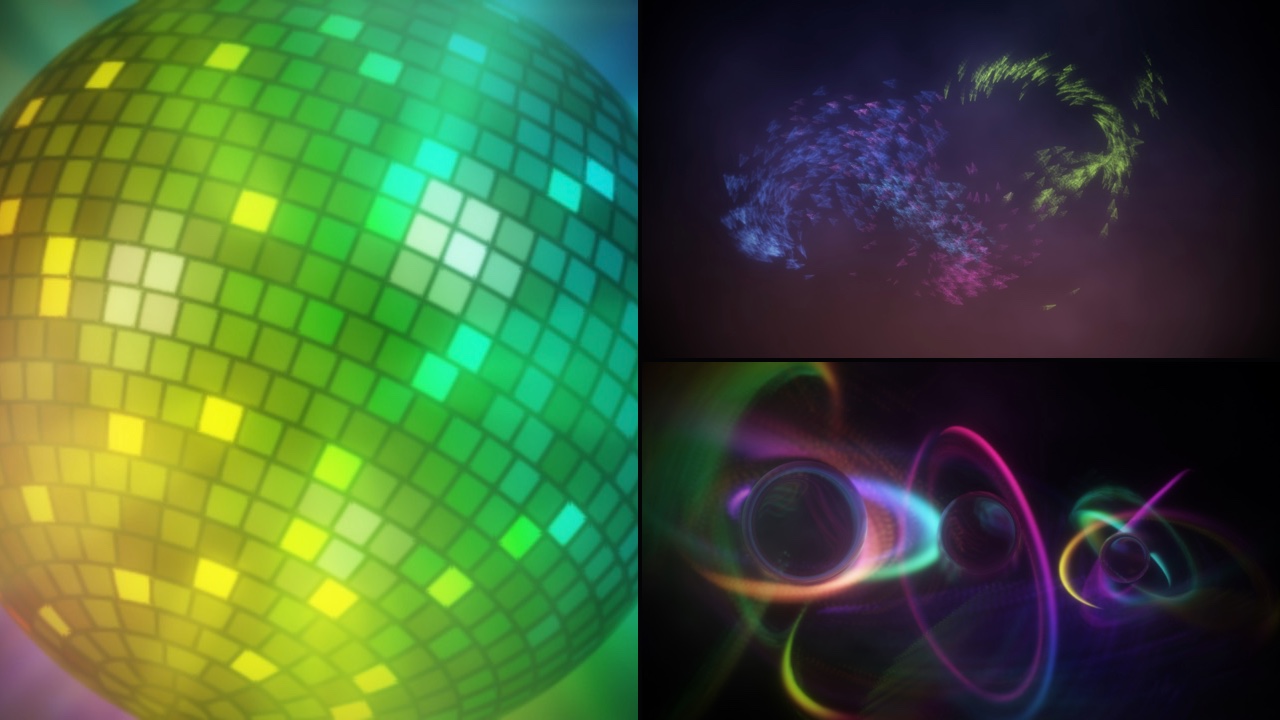
Three new scenes: a green and gold mirrored disco ball, a flock of glowing paper airplanes, and rainbow ribbons of light circling three dark glass orbs.

New: lightning on every beat

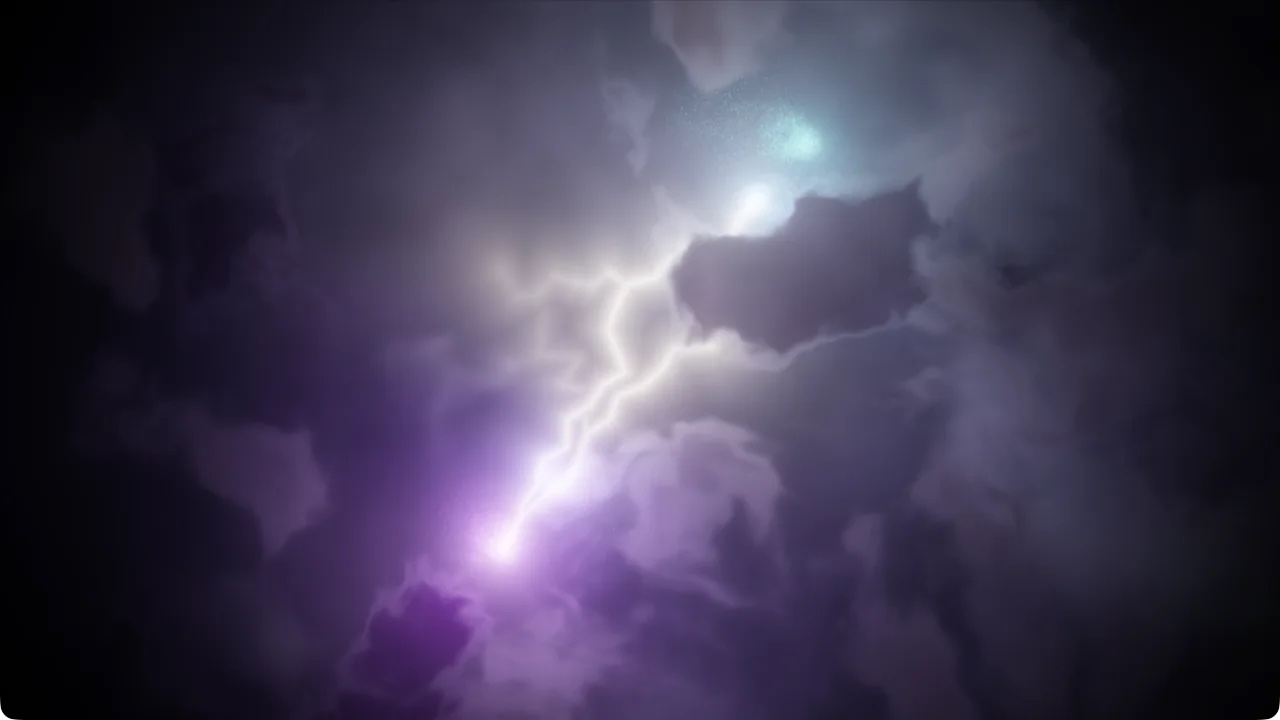
Storm Cell is one of the scenes the old visualizers never had. It hangs four glowing orbs between drifting layers of cloud. Each beat fires forked lightning from one orb to another.

The clouds light up only near the orbs, so the storm flickers and glows with the song instead of flashing the whole screen.

Storm Cell: a forked white bolt of lightning between two glowing orbs inside purple storm clouds.

New: a nebula that breathes

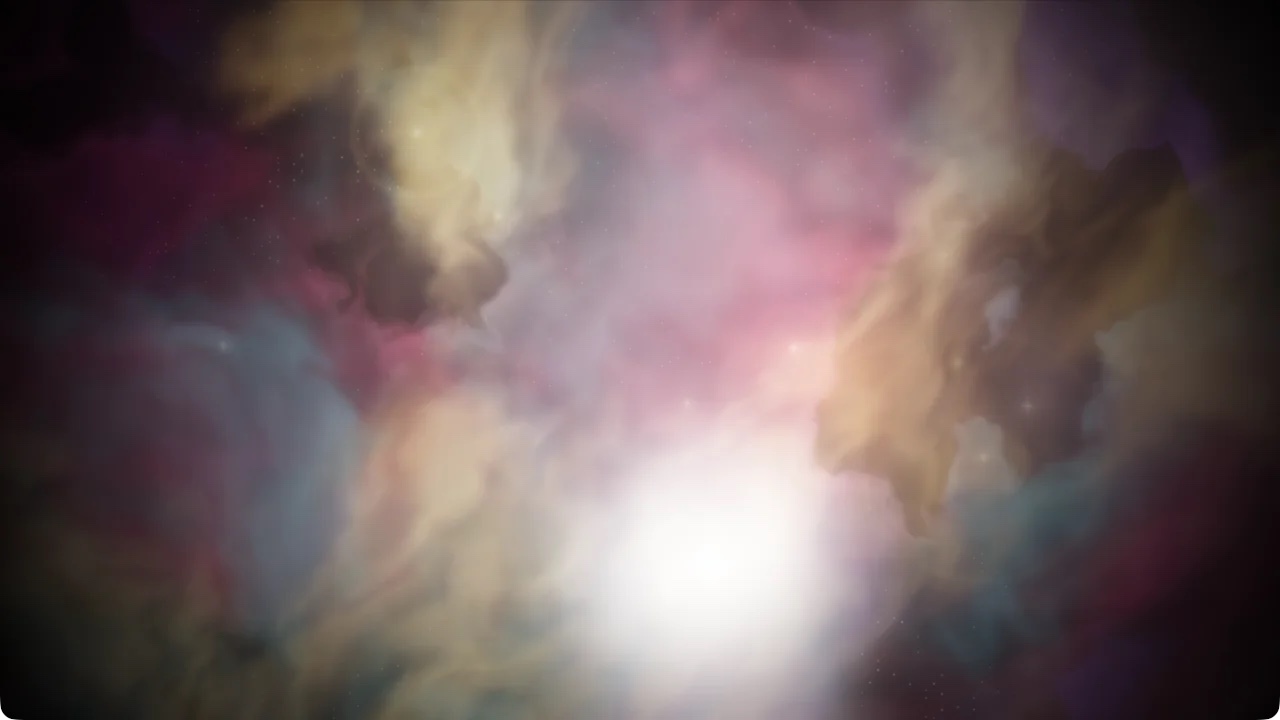
Nebula Heart is four layers of coloured gas with dark dust between them, each flowing with its own part of the music. The bass swells a glow at its centre.

Each beat ignites a new star that lights the gas around it, then slowly fades.

Nebula Heart: pink, gold and blue clouds of gas with a new star igniting near the bottom.

New: jellyfish, lava lamps, ink and rings

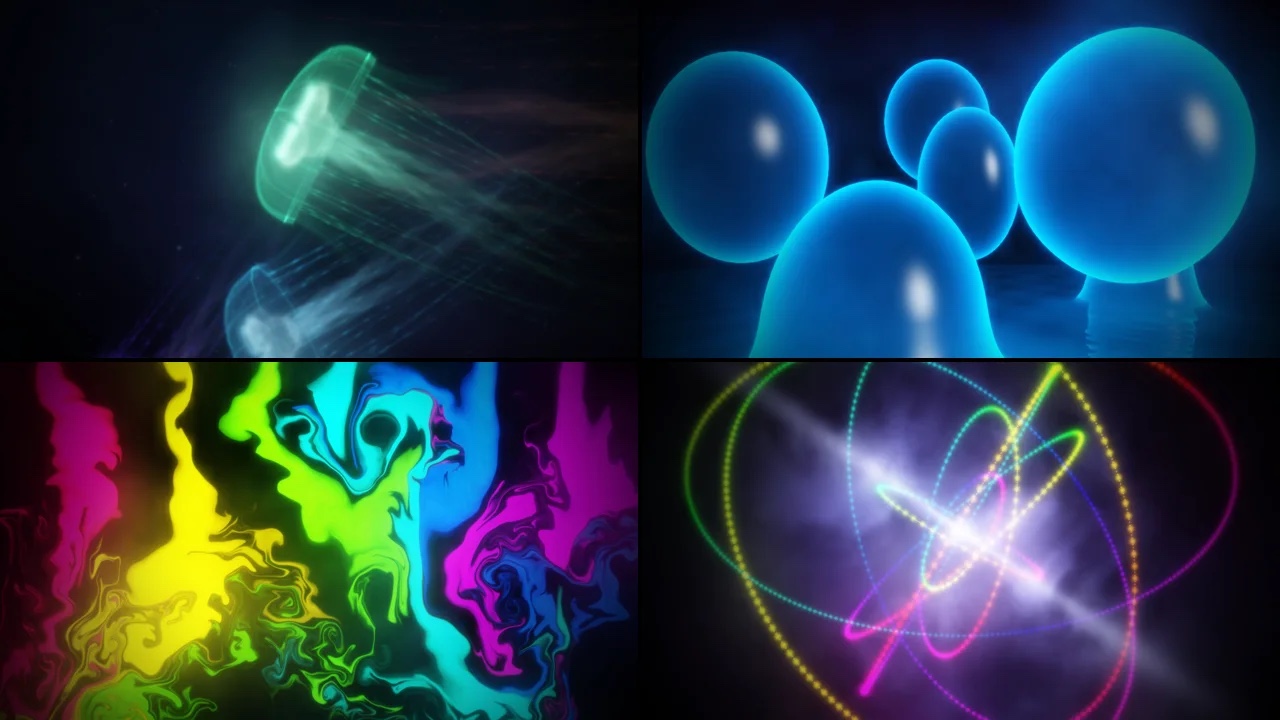
Neon Jellyfish swim slowly across dark water, and each beat sends a ripple of light down their tentacles. Hypnotic Bubbles is a neon lava lamp whose glass blobs rise, merge and sink, cycling faster when the bass is busy.

In Ink in Water, rainbow inks pour into clear water, billow and mix. Gimbal Rings unfolds eight rings of glowing beads into a tumbling gimbal, each ring lit by its own slice of the music.

Four new scenes: glowing jellyfish in dark water, a neon lava lamp of glass bubbles, rainbow ink billowing in water and rings of glowing beads.

The classics, but better

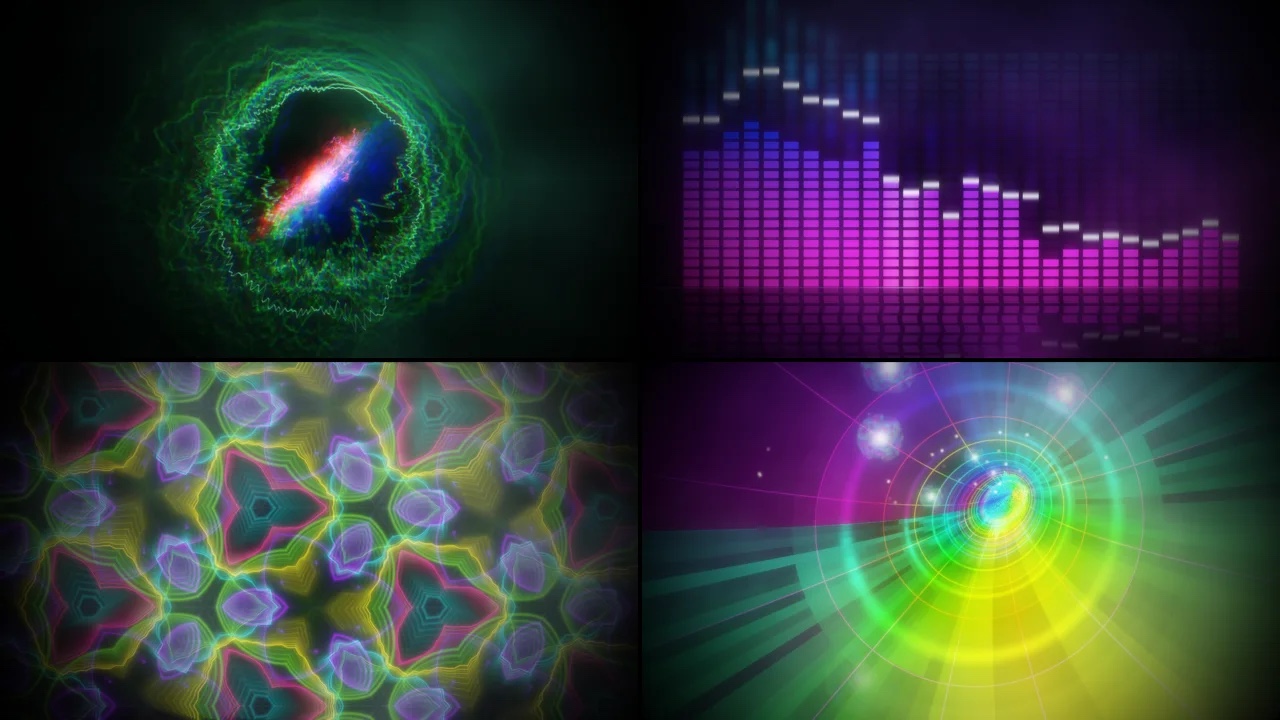
The scope, the bars, the kaleidoscope and the tunnel are all here. Phosphor Scope's green trails now spread like a CRT afterglow, and Peak Meter's caps hang, then fall with a comet tail.

Kaleidoscope is a real three-mirror kaleidoscope that turns a notch on each beat, and Infinite Tunnel builds its walls from your song's spectrum. Use the arrow keys to switch between all 23 scenes, or set View › Scene › Auto Switch to change scene on a timer.

Four rebuilt classic scenes: a green oscilloscope ring, purple LED spectrum bars, a three-mirror kaleidoscope and a rainbow tunnel.

Add new visualizations

New scenes come as .glowscene files. Choose View › Scene › Import Scenes…, pick the file, and it's added to the Scene menu and starts playing.

You can also pick a folder of scenes, such as an unzipped pack, and every scene inside it comes in at once.

Check back here for new scenes

New scenes will be posted on this page as they're released.

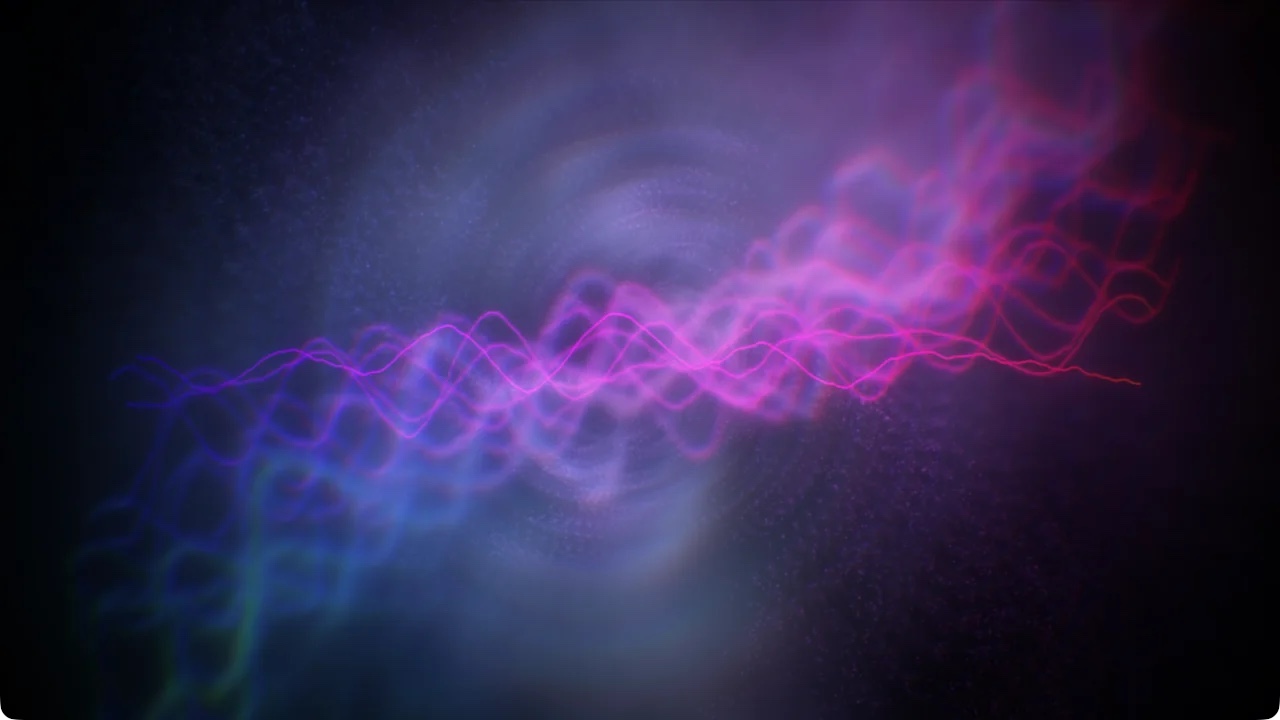
Feedback Warp: a pink and blue waveform smeared into smoky trails.

Made for the Mac

Any app, any song
Listen to all of your Mac's audio, or only to Apple Music.
Moves with the music
Bass, mids, treble and beats each drive a different part of the picture.
Full screen
fn-F fills the display. Press it again to go back to a window.
Picks up where you left it
The scene you chose last is the one that opens next time.
Make your own
Each scene is one Metal shader file. Edit it and GlowTAPE reloads it within a second.
Stays on your Mac
The sound is only used to draw the picture. No account, and nothing is sent anywhere.

Get GlowTAPE

Coming soon to the Mac App Store.

System
macOS 14.4 Sonoma or later
Processor
Apple silicon (M1 or later)
Audio
System audio recording permission
Available
Mac App Store, coming soon

Questions

Does it work with Spotify, YouTube or my DJ app?

Yes. With View › Audio Source › All Audio, GlowTAPE reacts to anything your Mac plays. Choose Apple Music to follow only the Music app.

Why does it ask to record system audio?

That's how it hears what's playing. The sound is turned into levels for the picture as it plays. It isn't saved or sent anywhere. If you said no, allow it in System Settings › Privacy & Security › Screen & System Audio Recording.

How do I add a scene I downloaded?

Choose View › Scene › Import Scenes… and pick the .glowscene file. If a scene with the same name is already there, GlowTAPE asks before replacing it.

Can I make my own scenes?

Yes. Choose View › Scene › Open Scenes Folder, copy a scene file, rename it and edit it. Each scene is one Metal shader, and GlowTAPE reloads it every time you save. If it has an error, the last working version keeps playing and the error is shown.

Is this Winamp or MilkDrop?

No. GlowTAPE is a new app inspired by the visualizers of the early 2000s, with its own scenes. It is not connected with Winamp, MilkDrop, Geiss or Apple's iTunes.